Work and money
Choosing a job
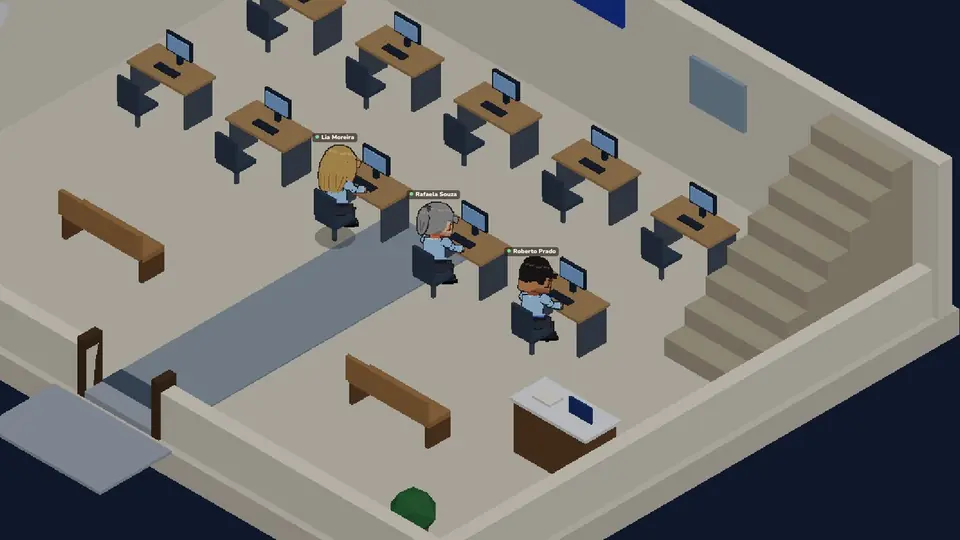
You choose your first job as soon as you arrive in the city, and your character walks to work by itself: the Administrative Assistant, to the nearest office. If you close it without choosing, the Get a job mission opens the choice again. Later you switch in My character > Job, or at the Jobs counter on City Hall's ground floor. At a workplace, How to get this job also opens the professions. You have one job at a time and can work at any hour.
Jobs that need no course
Jobs with a course
| Job | Course |
|---|---|
| Police Officer | Police Academy, at the station |
| Doctor | Medicine |
| Furniture Designer | Furniture Design |
| Lawyer | Law, a little shorter than Medicine |
| Mechanic | Mechanics, as long as Law |
| Veterinarian | Veterinary Medicine, a little shorter than Law |
| Stylist | Fashion Design, as long as Veterinary Medicine |
| Hairdresser | Hairdressing, as long as the Police academy |
| Teacher | Pedagogy, a little shorter than Fashion Design |
The courses after the Police Academy are at the University library. Courses are free: sit in class at any time during its hours: the whole class counts one day, part of it counts part of a day. Each minigame you win in class adds a little more, up to half a day per class.
Working and levels
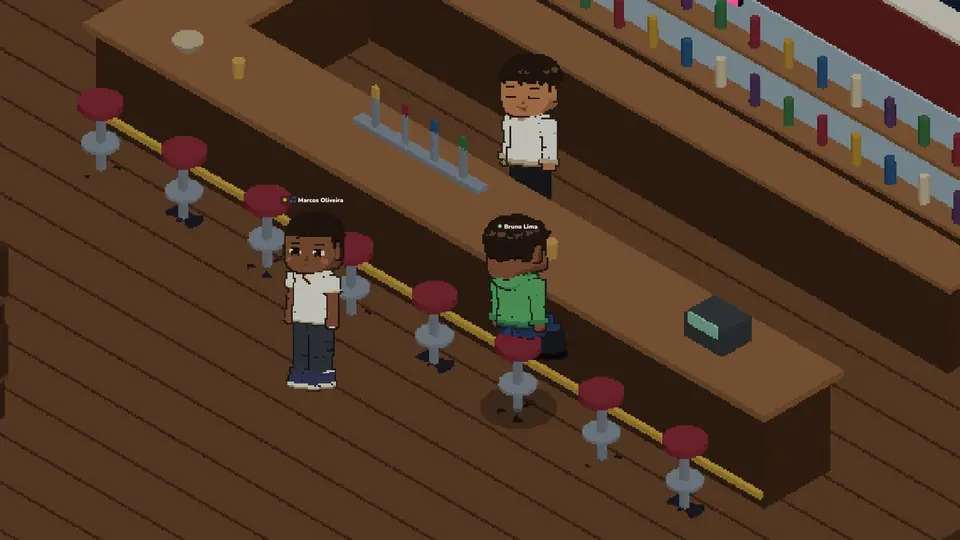
Press Work at your post. In every job, Stop working ends the work and keeps the job (the police officer uses End patrol); the gardener starts again with Back to work. The job's card sits under the city's name (on a phone, small, and beside the city's name lying down, with the distance and its buttons as icons: tap it to see everything). Its first button is the work itself, Auto-tend for the gardener and Take me there for the courier (to the parcel's address) and the police officer (to the nearest incident, or else the patrol point), and the last one stops working (on a phone, the checkered flag). At the desk, at the Post Office counter and in the garden each step of the job is a minigame: each one you win pays Coins and spends stamina, and missing costs nothing. The first time each minigame shows, a short animation shows how to play it. Win several in a row and the Combo shows on the minigame window.
Each job's own minigames
Besides the usual minigames, each job has its own, drawn along with the others:
- Administrative Assistant: Answer the phone.
- Gardener: Pick the pests and Prune.
- Courier: Right address and Stack the boxes.
- Police officer: Suspect sketch on patrol and Note the plate at an incident.
- Doctor: Diagnosis in a consultation and Stitches in surgery.
- Lawyer: Contradiction at the police station and Check the signature at the notary's office.
- Mechanic: Right wrench.
- Vet: Scrub at bath time, Hold the leash on a walk and Paint the pet for a colour change.
- Hairdresser: Wash the hair, Paint the streaks and Trim the ends, at the salon, and In the green for earrings and piercings.
- Teacher: Copy the board, at the school.
In a jail cell, all of them can come up, and Copy the board too.
Each course's minigames
In class, half the minigames are the usual ones, with Copy the board, and the other half are your course's own two, which grow a little as the course goes on:
- Medicine: Circulation and Listen to the chest.
- Furniture Design: Cutting plan and Level shelf.
- Law: Who did it? and Timeline.
- Mechanics: Wiring and Engine tune.
- Veterinary Medicine: Calm the pet and X-ray.
- Fashion Design: Collection and Mirror stitch.
- Hairdressing: Hair colour and Blow-dry.
- Police Academy: Crossing and Camera.
Levels
Every Coin you earn also counts as experience in that job, and every other job where you have experience goes down in the same proportion: each level you gain in your job is one level the others lose, little by little, never below zero. Switching jobs alone costs nothing. Levels have no limit, and each new level pays 5% more, up to +150% at level 31. See your levels and percentages in My character > Job.

Coins, Ora and the bank
Coins and Ora
Coins are the money of the world: you earn them by working and spend them on everything. Ora is the special currency, bought in the Ora Store on the player profile, for badges, rings, costumes, umbrellas, motorbike helmets, swimwear, wallpapers and other special items. You can also buy Ora with Coins from other players in the bank's Exchange tab, and at the end of each month the 1st place of each monthly ranking wins 500 Ora. Paid badges make your name glow, each one its own way: they carry a small emerald in the store, and before buying one you see your own name wearing it. The Ducks Family badge sets a mama duck and her ducklings waddling along the top of your name, the Fairy sprinkles sparkling fairy dust around it, Energy sends sparks racing along its edge and Moon and stars lights little blinking stars around it. The Snowflake is sold only during Christmas and makes snow fall over your name. The Pioneer badge is not sold: every character who plays before the game's official launch gets it, and it stays with you forever. Wearing a badge also colours your messages in the chat, in the badge's colour and with its icon beside your name.
In the Ora Store, an item you don't have yet has Try it: you see how it looks, only on your screen and without paying anything. The badge shows on your name over your character, the ring on your hand, the costume and the helmet on you (the arrows turn your character), the pet toy from every side and the theme on every window of the game. Like it? Tap Buy and then Confirm. The Ora packs, bought with real money, still show their price on the button.
The History tab of the Ora Store holds everything you ever bought with Ora anywhere in the game, newest first, with the date, the price and, for a gift, who it was for: the store's items, wallpapers, fences and facades, everything the game sells paid in Ora (like a company's bathroom, a car, a lot, a pet or a trip) and the Ora you gave in a Trade. A purchase that failed and had its Ora given back is not there; if the game gave part of it back, only what you paid shows. Each purchase shows in red, with the Ora that went out (−). The Ora top-ups you paid for with money show in green (+), with where they were paid: Stripe, on the website, or the App Store, on the iPhone. The numbers under the list show the other pages.
Everything the game sells in Coins can also be paid in Ora, at 1 Ora for every 2 Coins: the buy button shows the Coin price and, under it, the Ora price. Prices set by other players, rentals, fuel and taxi rides are left out.
Every purchase asks first, in a small window with what you are buying and the price. If the purchase fails, the window says why: your balance, the connection to the server or another reason.
Paid badges, costumes, umbrellas, face accessories and order boxes can be given as a gift to a friend. They see the gift with its picture and your name, even if they are offline at the time: it shows when they come in.
VIP
In the VIP tab of the Ora Store, or with the VIP button on the player profile, the Learn more button shows what VIP gives, and from there you buy 30 days of VIP for 1,600 Ora. VIP never renews by itself: the tab shows until when it lasts, and buying again before it ends adds 30 more days to what is left. VIP can also be given as a gift to a friend, with the Gift button in the same tab.
VIP gives:
- Early access (in the iPhone and Android apps, News first): the new features marked for VIP open to you 2 weeks before everyone else. What you get in that time stays yours when your VIP ends.
- The VIP badge.
- Up to 4 pets, instead of 2. When your VIP ends your pets stay with you, but you only adopt another once you have fewer than 2.
- Queue priority: in a full city, a VIP goes in ahead of anyone who is not VIP. Among VIPs, residents come before visitors.
- VIP poses: 6 poses at the end of the Animations list (•••) and in the Photos camera: Model pose, Heart hands, Blow a kiss, Peace sign, Hands on hips and Champion arms.
Coming soon: an exclusive item of the month and the VIP channels on Discord.
Whoever becomes VIP gets the VIP badge, a gold crown that makes the name glow in purple and gold. If you had no badge on, or a free one, it goes on right away. If you had a badge bought with Ora or earned, yours stays, and the badges button blinks until you open the badges, where the VIP badge is ready for you to wear whenever you like. When VIP ends, the VIP badge comes off and the one you wore before comes back.
The bank
At the bank counter you deposit, withdraw and send Coins to anyone, in any city, online or not (1 Coin per transfer). In the Send tab, just tap a friend or a family member to choose who gets it, or type anyone else's name and family. If the person who gets it is playing, in any city, they see a notice at the top of the screen right away with the sender's face and name and the amount; tap it to open the Bank app. Someone who is not playing sees it in the bank's Statement.
In the bank's Invest tab, your Coins grow 1% every game month (30 game days, about 12 real hours), a little every second. The green Earnings card shows only what you have earned so far, how much the investment earns a day and a month, and a bar to the next whole Coin. When you type an amount, you see what it would earn a month. What you invested with transferable Coins stays transferable and kept apart; the non-transferable Coins you invested and the earnings (the card shows both, like "400 + 3.01") go back to your wallet as non-transferable, the earnings first. Only whole Coins are redeemed, and each part has its own button.
In the bank's Exchange tab, players buy and sell Ora for Coins with each other. The board shows the price of the last Ora sold. On sale lists the Ora offered, cheapest first, and Wanted the Ora players want, best price first: tap Buy or Sell on a price to trade at it. You can also buy or sell at market price (the best prices there are right now) or put an offer at your price and wait. An offer takes from your bank account the Coins it will pay, or from you the Ora it sells, and gives them back if you cancel it. The Coins of a sale go to your bank account and the Ora you buy to your Ora; both are transferable. Only transferable Ora and Coins of the bank account trade. The seller pays a 5% fee, only when the trade happens. Every offer is worth at least 100 Coins, and you can have up to 5 offers open.
The Bank app on the phone shows, from anywhere, your bank balance, how much you have invested, how much it has yielded, how much it earns a month and the price of the last Ora sold. Depositing, withdrawing, sending, investing and trading Ora still happen at the bank counter.
Face to face, Trade on the other player's profile opens the Trade, for free: the other person accepts or declines the invite. Tap an item in Your inventory, or drag it, to put it in You give: Coins, Ora, car, motorbike, bicycle, roller skates, scooter, skateboard, fishing rod, cooler, pet food (common and premium, the open bag too), pet ball, leash, food, baits, fish, coffee, stored furniture and designer clothes. Anything with a quantity always asks how many. The cooler goes with what is in it, and a stored fridge goes with its food: what is inside shows apart, tagged Chilled. You get shows right away what the other person put in, and tapping one of your items in the trade takes it back. When both tap Ready, Confirm shows up, and the trade happens when both confirm; any change unticks both Readys. Each side puts in up to 8 different items. Items with a padlock cannot go to another player: tap them to see why. If you walk apart, the trade ends.
More topics
 First steps
 Skills
 Homes and plots
 Farm
 Água Doce and the river
 Vehicles
 Relationships
 Pets
 Leisure
 Health and police